App Screenshots

SeamDiff in action

A native macOS diff viewer built for speed and clarity — compare files and folders without the clutter.
Getting started

Start by choosing what to compare

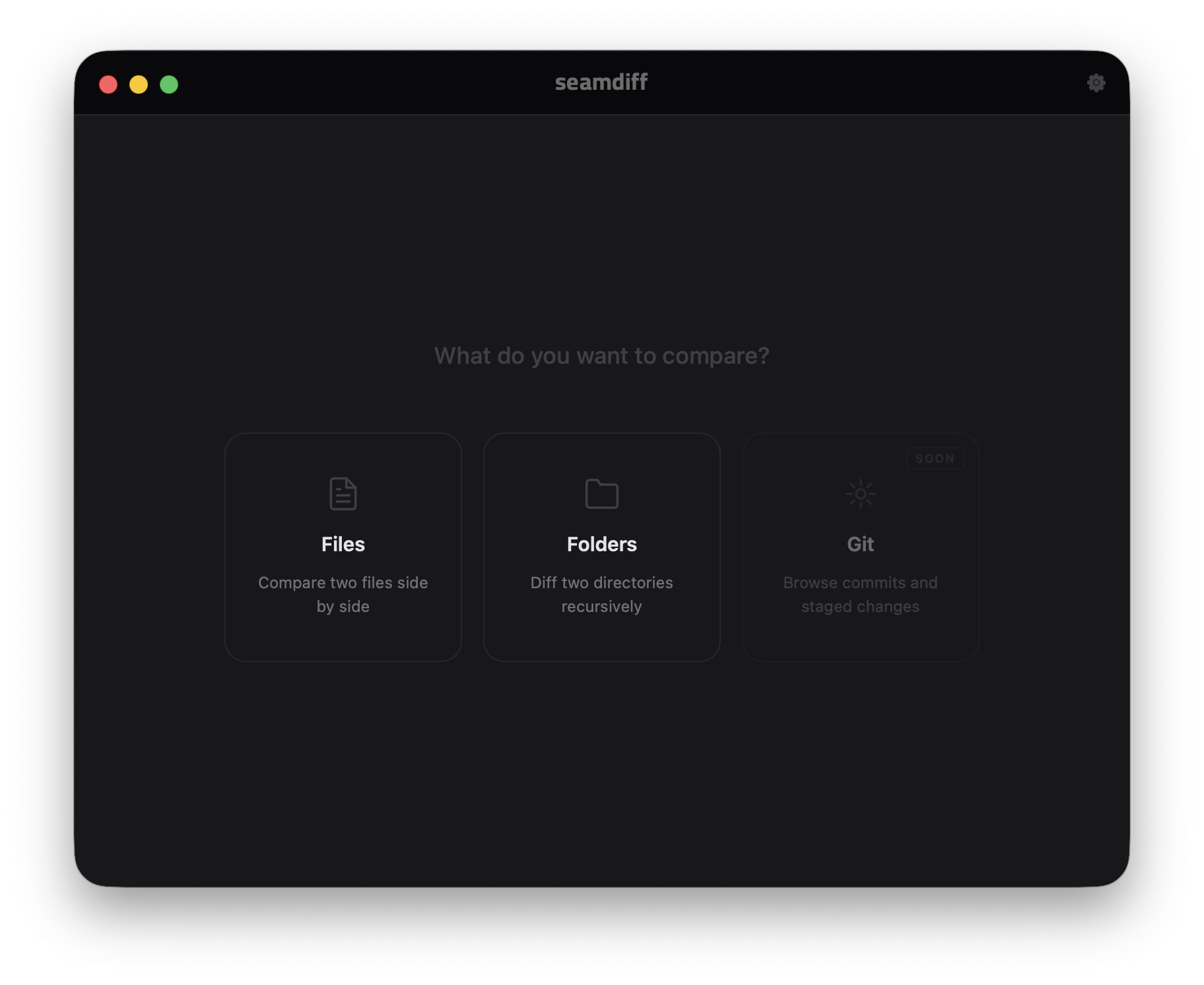
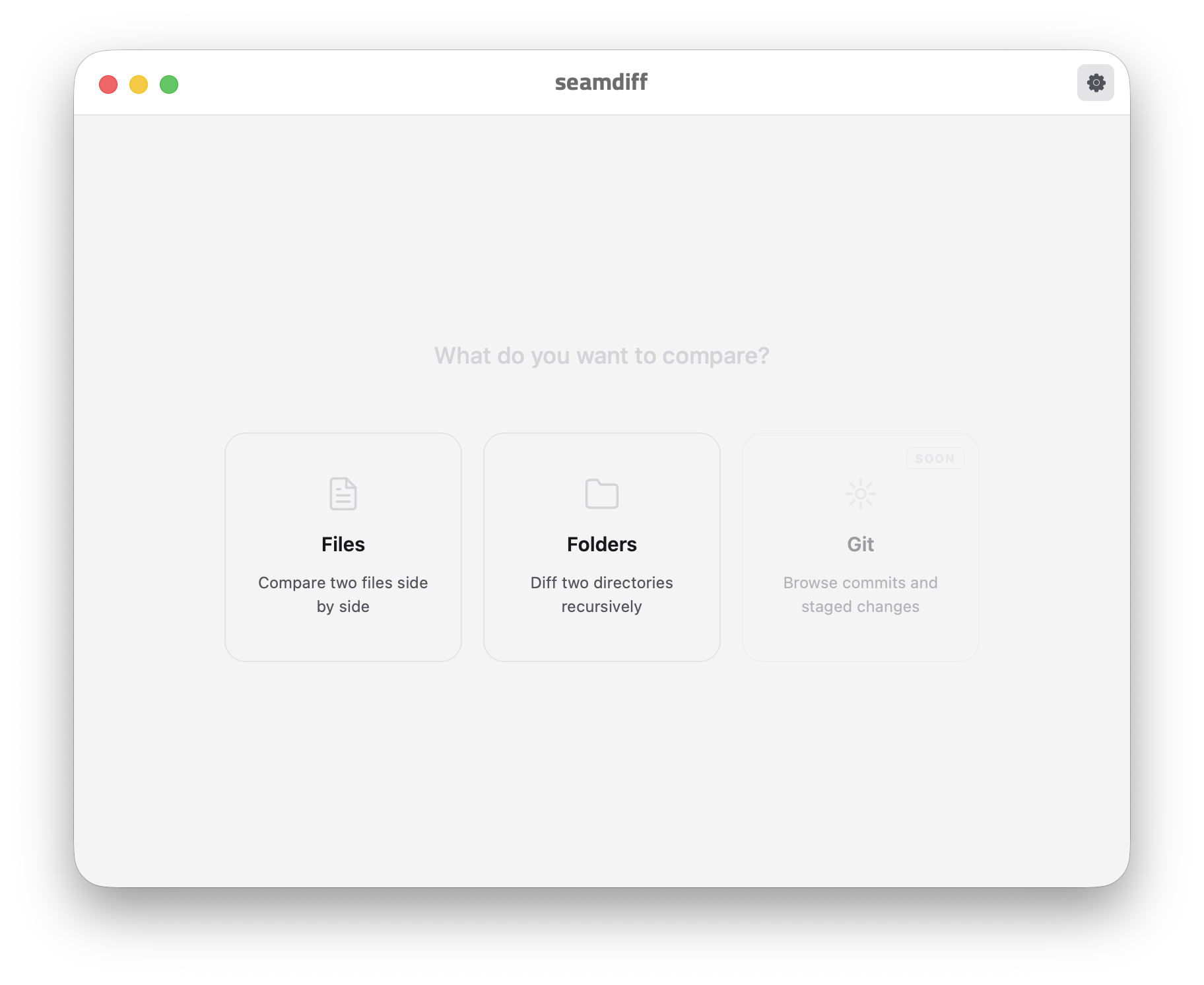
When you open SeamDiff you're greeted with a clean selection screen — pick Files for a quick two-file diff or Folders to compare entire directory trees. No clutter, no setup. Oh, and which one are you — a creature of the dark, or do you prefer the light?

SeamDiff dark theme
SeamDiff light theme

File comparison

Side-by-side diff that's actually readable

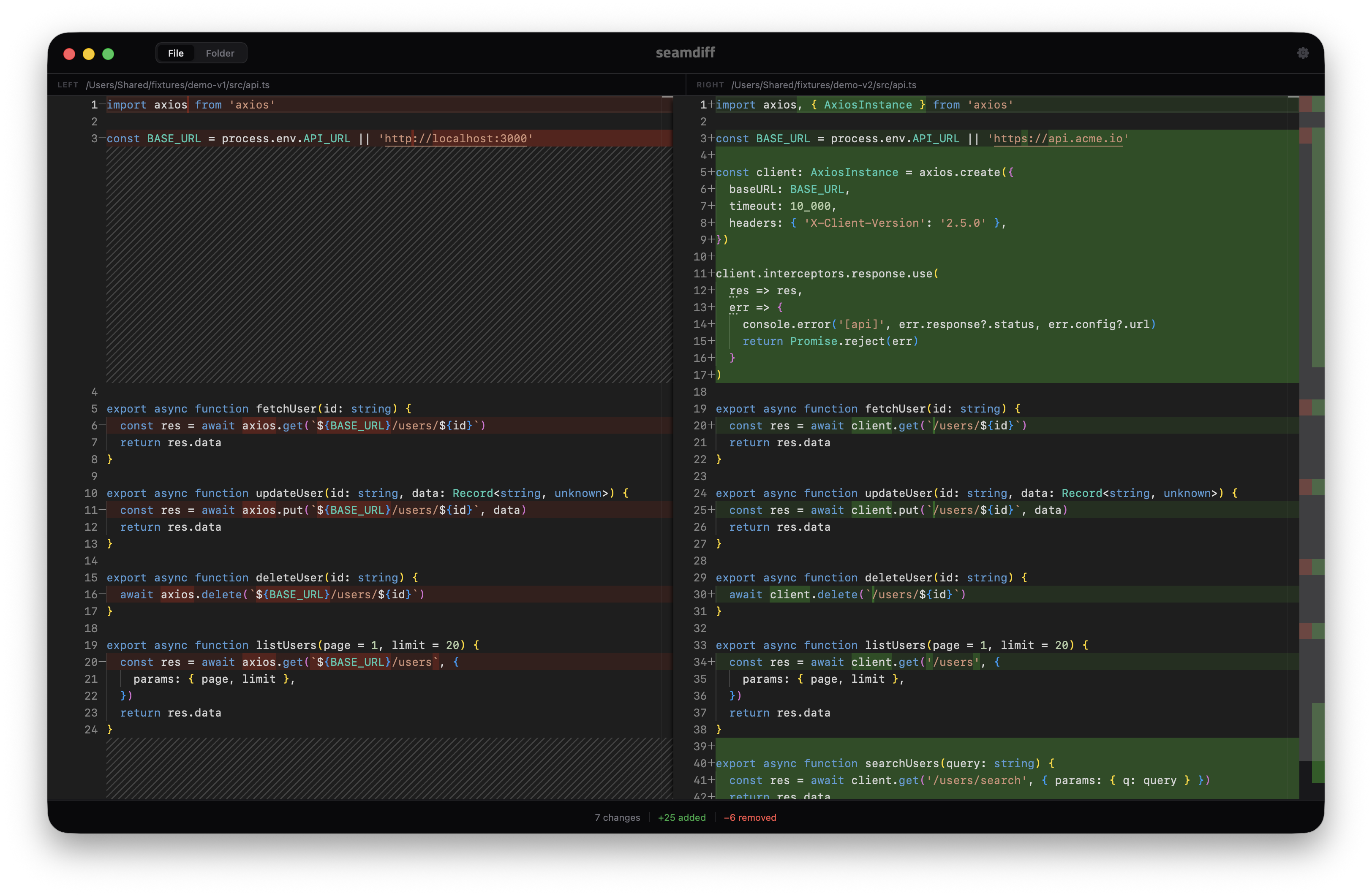
Open any two files and get an instant, colour-coded diff. Changes are highlighted line-by-line with full syntax highlighting for every language Monaco supports — over 60 of them.

SeamDiff file comparison

Tap image to enlarge


Folder comparison

Compare entire folders in one click

Pick two folders and SeamDiff walks every file recursively, showing you exactly what's modified, added, or removed — with colour-coded status badges at a glance.

SeamDiff folder comparison

Tap image to enlarge


Folder → file drill-in

Click any file to see the full diff

One click on any modified file opens the side-by-side diff right inside the folder view. Hit Back to list and pick the next file — no new windows, no fuss.

SeamDiff folder file diff

Tap image to enlarge


Syntax highlighting

60+ languages, zero configuration

SeamDiff auto-detects the language from the file extension and applies full syntax highlighting on both sides. TypeScript, Python, Go, YAML, JSON — it all just works.

SeamDiff syntax highlighting

Tap image to enlarge


Light theme

Works beautifully in light mode too

Follows your macOS appearance automatically, or lock it to dark or light in settings. Every colour, border, and contrast level is tuned for both themes.

SeamDiff light theme

Tap image to enlarge


Settings

Every preference, exactly where you'd expect it

Font size, font family, word wrap, line numbers, minimap, side-by-side or inline diff, whitespace handling, auto-reload — all in one clean panel. No digging through menus.

SeamDiff settings panel

Tap image to enlarge